


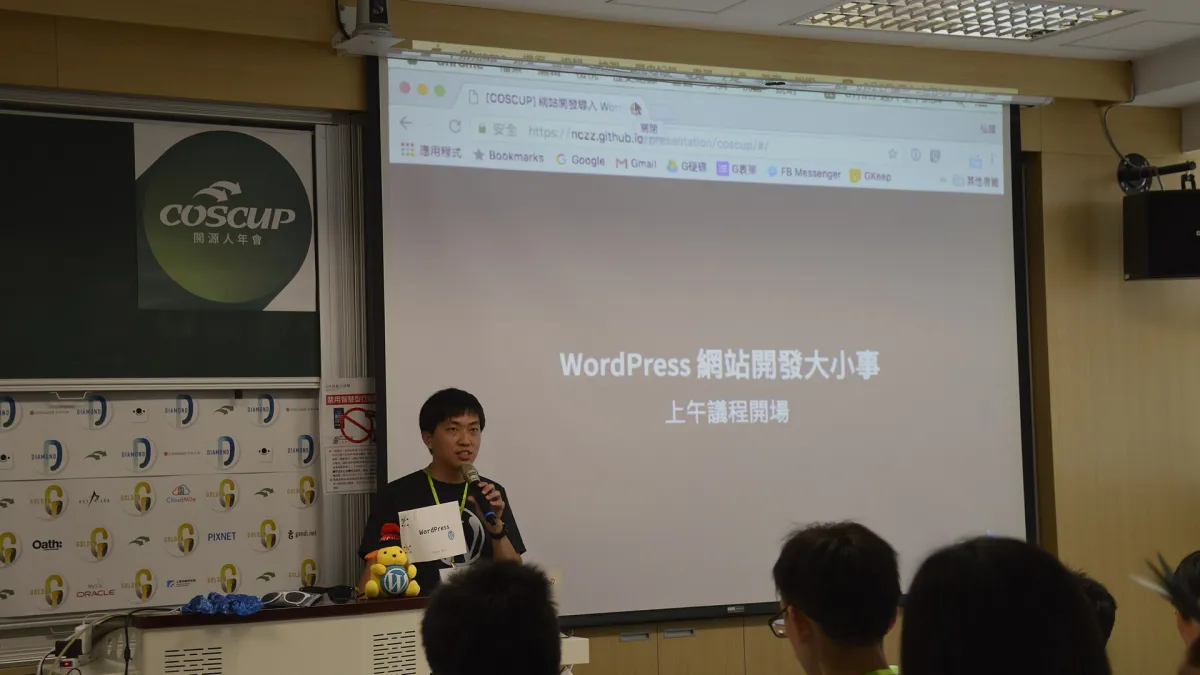
Photo: Taiwania Justo / Wikimedia Commons, CC BY-SA 4.0, cropped
How to build a WordPress development portfolio that wins clients
By FastBuySale Newsroom · · 9m ago
Get breaking news & deals on your favourite app
How to build a WordPress development portfolio that wins clients: choosing a niche, selecting and structuring projects, writing case studies, showing code quality, performance and accessibility work, building demo projec. Clients hire WordPress developers who can show the business problem, the solution and the result, not just screenshots of finished sites.
📌 Key points
- Clients hire WordPress developers who can show the business problem, the solution and the result, not just screenshots of finished sites.
- A focused portfolio of four to six strong case studies usually beats a long list of unexplained projects.
- Show the technical work clients cannot see: custom themes or blocks, plugins, performance, security, accessibility and clean code.
- If you have no clients yet, build realistic demo projects, rebuild an existing site with permission or help a non-profit.
- Make it easy to act: clear services, an outline of your process, proof such as testimonials and a simple contact path.
Why a portfolio matters more than a CV
Most people hiring a WordPress developer are business owners, marketing managers, agency leads or non-profit coordinators. They rarely read long CVs and often cannot judge code directly. What they want is evidence that you have solved problems like theirs before and that working with you will be low-risk. A portfolio gives that evidence in a form they can understand: real sites, the goals behind them, the work you did and what changed afterwards. A good portfolio also filters enquiries, attracting clients who need your kind of work and discouraging poor fits. Treat it as a sales tool rather than a gallery. Every page should help a busy visitor answer three questions quickly: can this person do what I need, can I trust them, and how do I start?
Step 1: decide who you want to work for
Before choosing projects, decide what kind of clients and work you want more of. WordPress covers a huge range: brochure sites for small businesses, online shops, membership sites, news and publishing sites, multilingual corporate sites, custom block development for agencies, plugin development and ongoing maintenance and speed work. A portfolio that tries to show everything looks unfocused. If you want agency subcontracting work, show clean custom themes, block development and collaboration with designers. If you want small business clients, show sites that bring enquiries or sales, easy editing for the owner and reliable support. Your niche can be an industry, such as restaurants, clinics or law firms, or a technical speciality, such as performance, accessibility or WooCommerce. You can still accept other work, but lead with the niche.
Step 2: choose four to six strong projects
Review everything you have built and choose the projects that best match your target clients and show your strongest skills. Prefer variety within your niche: perhaps one custom theme, one shop, one site rescue or speed project, one custom plugin or block set and one ongoing maintenance relationship. Drop projects you are not proud of, sites that have since been changed badly by others and work you are not allowed to show. Check client agreements and ask permission before featuring a site, especially if you worked through an agency or under a confidentiality agreement. If you cannot name the client, you can often describe the project anonymously, for example a regional accounting firm, with screenshots approved by the client.
Step 3: write each project as a case study
A case study turns a screenshot into proof. Use a simple structure. Start with the client and their situation in a sentence or two. Explain the problem: an outdated site that was hard to edit, slow pages losing visitors, a shop that could not handle seasonal traffic or a design that did not work on phones. Describe what you did, including your role if you worked in a team. Then show the result with honest numbers where you have them, such as faster load times, more enquiries, fewer support requests or a successful launch date. End with a short client quote if available. Keep the language plain so non-technical readers understand it, and add a technical details section for agencies and developers who want depth.
Step 4: show the work clients cannot see
Much of the value of a good WordPress developer is invisible on the finished site. Clients benefit from clean code, sensible use of plugins, secure configuration, regular updates, backups, accessibility, structured content and fast hosting setups, but they cannot see these things in a screenshot. Make them visible. Mention that you built custom blocks so editors can create pages without breaking layouts, that you reduced the number of plugins, that you followed coding standards, that you tested with a keyboard and screen reader, or that you set up staging and automated backups. Short before-and-after comparisons, such as page speed scores or the number of plugins, make technical improvements concrete.
Step 5: include performance and accessibility evidence
Speed and accessibility are strong selling points because they affect search visibility, sales and legal risk. Where you improved performance, record measurements before and after using a consistent testing tool, and explain what you changed, such as image optimisation, caching, removing heavy page builders or improving database queries. For accessibility, describe the standards you aimed for, the issues you fixed, such as colour contrast, missing labels or keyboard traps, and how you tested. Avoid claiming full compliance unless an audit confirms it. Honest, specific statements build more trust than vague promises.
Step 6: link to code where you can
Agencies and technical clients often want to see code. Share selected repositories of your own themes, plugins, starter kits or blocks, and keep them tidy with readme files explaining what each project does and how to install it. Never publish client code without permission. Contributions to the WordPress project, such as plugins in the official directory, translations, documentation, core patches or support forum help, are strong credibility signals because they are public and reviewed by others. Link to them from an about or open-source page.
Step 7: build demo projects if you have no clients
New developers can still build a convincing portfolio. Create two or three realistic demo sites for imaginary businesses in your niche, with a clear brief, design decisions and the same case study structure, labelled honestly as concept projects. Rebuild an existing site you know well as a redesign concept, without implying the owner hired you. Offer a small, clearly scoped project to a local charity, club or community group in exchange for a testimonial and permission to feature it. Build a small plugin that solves a real problem and publish it. Each of these shows how you think, which is what clients want to see.
Step 8: build the portfolio site itself well
Your portfolio site is a project in its own right. Build it on WordPress, keep it fast, mobile-friendly and accessible, and avoid heavy themes that undermine your message about performance. Use a clean layout with a short homepage introduction, a services page, case studies, an about page and a contact page. Use a professional domain name and keep software updated, because a hacked or broken portfolio destroys trust. Visitors will check how quickly it loads on a phone, so test it regularly.
Step 9: write a clear services page
Clients need to know what you offer and how working with you works. List core services, such as custom theme development, WooCommerce builds, speed optimisation, site migrations and maintenance plans. Explain your process from discovery and quote through design, development, testing, launch and support. Mention typical timelines and what clients must provide, such as content and access. You do not have to publish exact prices, but a starting price or typical range helps filter enquiries and saves time on both sides.
Step 10: add proof and trust signals
Testimonials with a name, role and organisation, used with permission, are more convincing than anonymous praise. Logos of clients or agencies you have worked with, certifications, conference talks, published articles and open-source contributions also help. Keep proof close to calls to action, such as a short quote beside the contact form. Do not invent testimonials or exaggerate results, which can break consumer protection laws and damages trust when discovered.
Step 11: make contacting you easy
End every case study and service page with a clear next step. A short contact form asking for the project type, budget range, timeline and website address gives you useful information without overwhelming visitors. Say how quickly you usually reply. Some developers offer a short discovery call booking link. Test the form regularly and make sure messages do not land in spam. Many lost leads come from broken or confusing contact pages.
Worked example: from visits to clients
Suppose your portfolio receives 800 visits a month and 2 percent of visitors send an enquiry. That is 16 enquiries. If you win 25 percent of enquiries, you gain 4 projects a month. At an average project value of 1,500, that is 6,000 in monthly project revenue before costs and taxes. Raising the enquiry rate to 3 percent with clearer case studies gives 24 enquiries and 6 projects, or 9,000, a 50 percent increase without extra traffic. These figures are illustrative. The percentage calculator on this site helps you model your own numbers.
Portfolio checklist
| Element | What to include |
|---|---|
| Niche statement | Who you help and how |
| Case studies | Problem, work, result, quote |
| Technical proof | Code links, performance, accessibility |
| Services page | Offer, process, starting price |
| Trust signals | Testimonials, contributions, logos |
| Contact path | Short form and reply time |
Common portfolio mistakes
Common mistakes include showing every project ever built, using screenshots without explanation, listing technologies instead of results, featuring sites that are now broken or changed by others, using a slow portfolio theme, hiding contact details and never updating the site. Another mistake is writing only for developers when most buyers are non-technical. Review your portfolio every few months, replace weaker projects with better ones and check every link.
Promoting your portfolio
A portfolio only works if people see it. Share new case studies on professional networks, include the link in your email signature and marketplace profiles, ask satisfied clients for referrals and build relationships with designers and agencies who need development partners. Writing helpful articles about WordPress problems your clients face can bring search traffic over time. The salary calculator on this site helps you compare freelance income with employed roles.
Avoiding client and job scams
Be careful with clients who ask for large amounts of free work, send cheques for more than the agreed amount and ask for refunds, want you to buy software or themes through their links, or push you to communicate and get paid off a marketplace. Fake job offers may ask for payment for training or equipment. Use written agreements, take deposits for new clients and verify companies before starting work.
Reader questions
Questions about freelance development work? Send them through the Ask page on this site.
Disclaimer
This article is for general information only and is not affiliated with WordPress or any organisation behind it. Results and rates vary. No income is guaranteed.
💬 Join the discussion on this article →
🔴 LIVE · WordPress development: all 4 stories →
More in News · Trending News · Browse local deals
💡 What's in it for buyers
- Pick a niche.
- Choose your best projects.
- Write problem-solution case studies.
- Show code and metrics.
- Add a clear call to action.
FAQs
How many projects should a WordPress portfolio include?
Four to six well-explained case studies are usually enough. Quality, relevance to your target clients and clear results matter more than quantity.
What if I have no client work yet?
Build realistic demo sites, contribute to open-source themes or plugins, rebuild a site with permission, or do a small project for a non-profit or local group.
Should my portfolio be built on WordPress?
Usually yes. A fast, well-built WordPress portfolio is itself a demonstration of your skills.
Should I show code in my portfolio?
Link to selected repositories or code samples where you have the right to share them, and explain key decisions in plain language for non-technical clients.
What makes clients contact a developer?
Relevant examples, clear results, trust signals such as testimonials, transparent services and an easy next step such as a short enquiry form.
 $200
 $300
 $3
 $200