


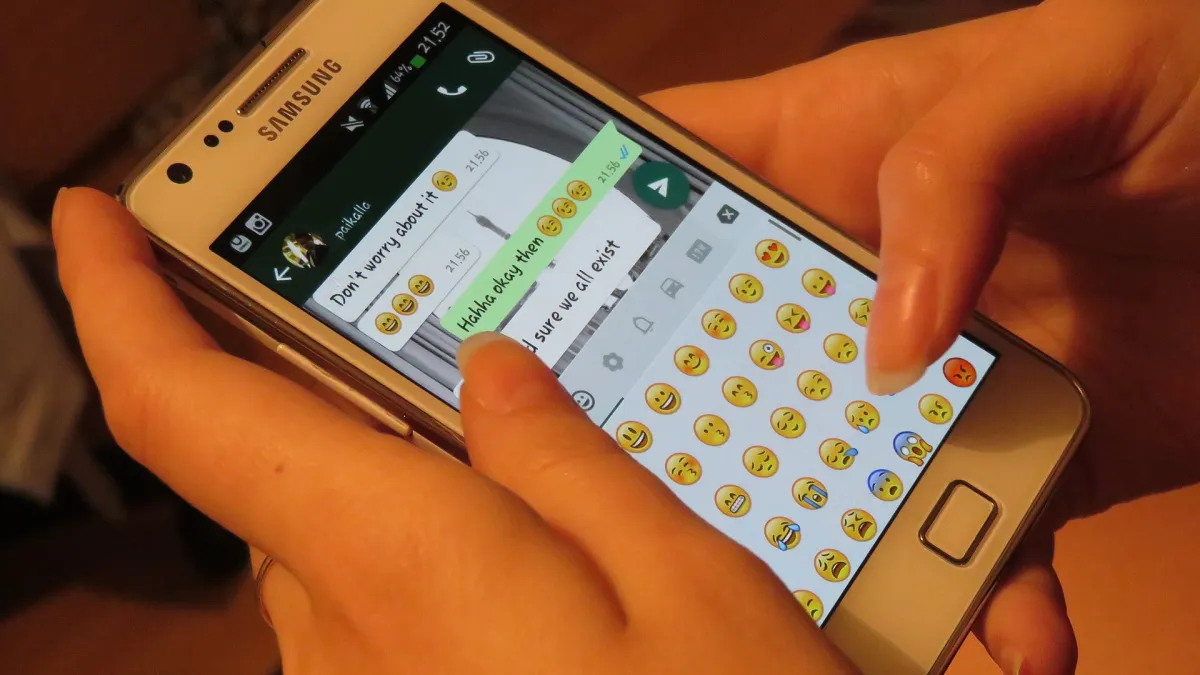
Photo: Helar Lukats / Wikimedia Commons, CC BY-SA 4.0, cropped
How to Protect Your WhatsApp Account from Unauthorized Access in the UAE
By FastBuySale Newsroom · · 13h ago · AR EN
Get breaking news & deals on your favourite app
Discover how others might access your WhatsApp messages in the UAE and learn the practical steps to secure your personal account, ensuring the privacy of your conversations from any unauthorized access attempts. Unauthorized access techniques often rely on linked device features that allow an account to be opened in multiple places simultaneously.
📌 Key points
- Unauthorized access techniques often rely on linked device features that allow an account to be opened in multiple places simultaneously.
- Using the linked devices feature without periodic monitoring is one of the most common vulnerabilities exploited by others to access your private chats without your knowledge.
- Communication platforms provide regular security updates, and enabling two-step verification is the primary line of defense to protect your personal data from potential technical breaches.
- Users in the UAE should regularly review their list of connected devices and remove any unknown connections to ensure the account remains under their sole control.
Understanding Unauthorized Access to WhatsApp Accounts
Many people in the UAE ask about how to protect their privacy and whether others can read their private WhatsApp messages. This process often relies on exploiting the linked devices feature, where your account is connected to another phone or computer by scanning a QR code. Once this process is complete, the other party can view all your incoming and outgoing messages in real time, which puts your privacy at risk if you are not careful.
This feature is designed to facilitate the user experience by moving between a phone and a computer, but it can become a security vulnerability if your phone falls into the hands of untrusted people for even a brief period. It does not require complex technical skills, just seconds of physical access to your phone. Therefore, it is essential to understand that the security of your account depends primarily on keeping your device away from others and monitoring linking settings continuously.
How to Detect Suspicious Linked Devices
To ensure you are the only one reading your messages, you should immediately go to the application settings and look for the linked devices option. You will see a list of all browsers or devices that have been previously connected to your account. If you notice any device you do not recognize or an unfamiliar geographical location, this is a strong indicator that someone else currently has access to your private conversations.
The first step after discovering a suspicious device is to immediately select the option to log out from that device. This action permanently severs the connection between your account and that device, preventing the other party from receiving any new messages. We advise users in the UAE to perform this check periodically, especially if they use public computers or share their personal devices with others in work or study environments.
Additional Security Measures to Protect Personal Data
Protection is not limited to checking linked devices; it extends to enabling advanced security features provided by the application. Two-step verification is considered one of the most important tools that prevent others from registering your account on new devices even if they obtain the activation code via text messages. When this feature is activated, the application will ask for a private secret code that only you know, which adds a very strong layer of protection to your digital identity.
Furthermore, it is always preferable to use a screen lock for the application itself using a fingerprint or facial recognition. This simple step prevents anyone who holds your phone from opening it and performing unauthorized linking operations. In the UAE, where we rely heavily on applications for daily communication, these measures become an urgent necessity rather than just a secondary option to ensure the confidentiality of sensitive information and personal and professional conversations.
The Impact of These Risks on Users in the UAE
Digital privacy is a top priority for residents in the UAE, as a lot of personal and financial information is exchanged through applications. When someone succeeds in accessing your account, they do not just read messages; they can also access photos, files, and videos. This breach may lead to blackmail or the leaking of sensitive information, which directly affects the psychological and social stability of the affected individual.
Everyone in the country should be fully aware that account protection is a personal responsibility that begins with technical awareness. Negligence in sharing your phone or leaving the application open on unprotected devices may expose you to significant risks. By following security guidelines and updating the application regularly, users can reduce their chances of being exposed to such breaches and keep their digital experience safe and protected from any external intrusion.
Tips for Ensuring Your Account Security Permanently
Make it part of your daily routine to take a quick look at the list of linked devices in your settings. If you do not use the linking feature, it is better to ensure it is completely empty. It is also recommended to avoid opening unknown links that you receive in messages, as they may be phishing attempts aimed at stealing your data or installing malicious software that gives attackers back-door access to your phone without you feeling their presence.
Always remember that application developers will never ask you to share your verification codes with anyone. Any request of this kind should be considered an immediate fraudulent attempt. By maintaining your digital vigilance and applying these simple tips, you can enjoy communication services in peace and safety, while ensuring your privacy remains preserved away from the eyes of intruders who try to exploit simple technical loopholes.
💬 Join the discussion on this article →
More in Tech · Trending News · Browse local deals
💡 What's in it for buyers
- Ensure you buy used phones from trusted sources to guarantee they are free from any pre-installed spyware.
- When selling your old phone, always perform a factory reset and erase all linked accounts to ensure your personal data is protected.
- Use the security features built into smartphones to verify the user identity before allowing any technical linking process.
- Meet sellers in public and safe places when inspecting used devices to ensure the technical condition of the device is sound.
FAQs
What is the best way to secure my WhatsApp account?
To protect your account, you must enable two-step verification, regularly review the list of linked devices in settings to remove any unknown devices, use the application's screen lock via fingerprint or face, and avoid sharing the verification code with anyone for any reason.
Can someone read my messages without touching my phone?
Yes, if an attacker manages to obtain your verification code through a phishing process or if you previously linked your account to a computer that is easily accessible, the other party can follow your messages remotely without needing to touch your phone again.
What should I do if I discover a strange device linked to my account?
You must immediately click on the strange device in the linked devices list and choose to log out. After that, it is preferable to change your account password if it is linked to other services, and enable two-step verification to ensure the account cannot be linked again.
Does updating the application protect against spying?
Yes, periodic updates include patching security vulnerabilities that attackers might exploit to access your information. Keeping your application updated to the latest version is a fundamental step to ensure all security features work with the best possible efficiency and to protect your data from any modern software threats.
 $200
 $300
 $3